
Any DMN model must be able to call the REST API endpoint at any stage. Let's assume we need to get customer data from a REST API endpoint and use it in our DMN model.
To access the REST API in the Decision Requirements Diagram (DRD), we need to add an Event Execution.
There is an option to add before or after any decision node execution.
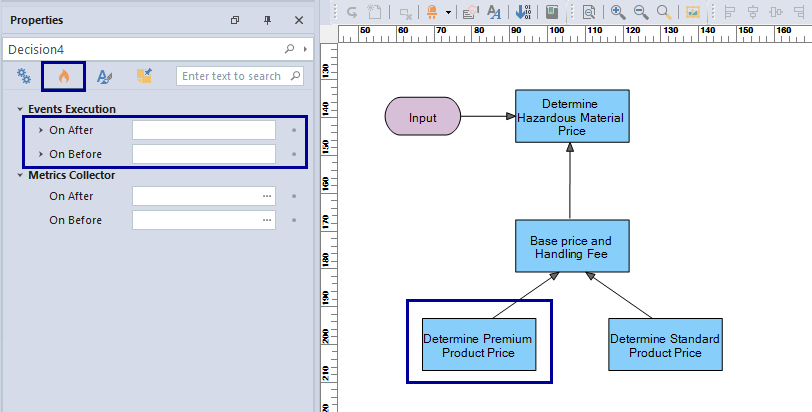
To call the REST API, we need to select “API REST” and fill in the required information. This information includes the URL, any authorization, and other information.
Fill in the details for the REST API
A list of all the information needed to access the REST API is provided. So the user can fill in any necessary information.
For example, the URL Address, the verb GET, and the name of the copy value from the REST API were written out to get the list of orders from the REST endpoint.

Get the customer data from REST API
The result shows that the returned object has some other information that the user might not be interested in. The user may want to select the list of orders only that is available in the “value” part of the object.
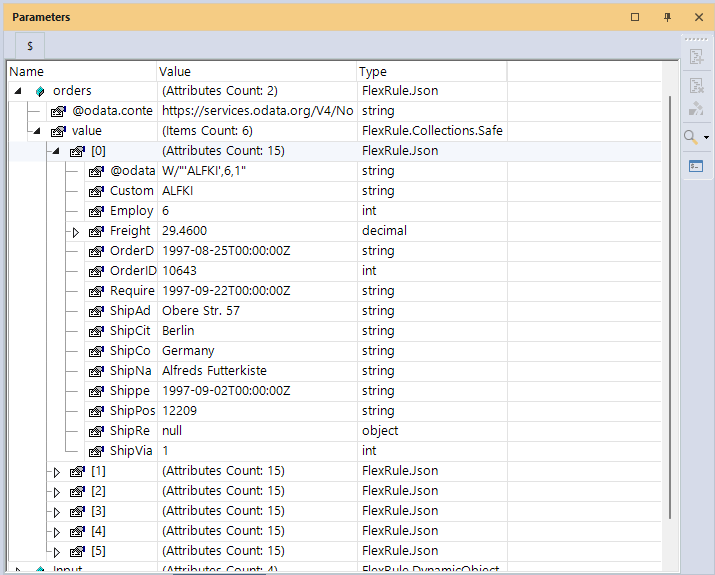
You can check our Resource Hub page for Rest API to see all the parameters on a REST client and familiarize yourself with all the elements on the list below.
For example, if you set the property, Result Path to “value”, you can get the list part of it directly.
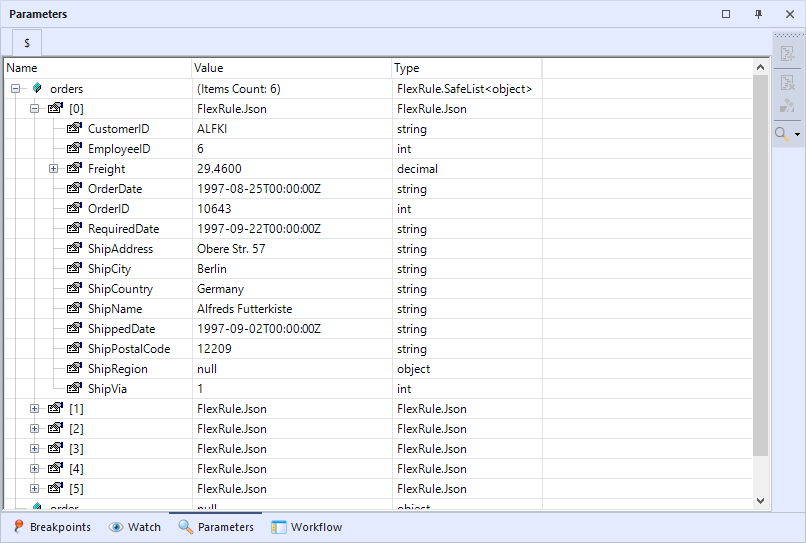
To show the data in the table format, you can click on the data viewer and select data:

Summary
To access a REST API in your Decision Model and Notation (DMN), you need to have an execution event in your DRD. This execution event can be either before or after each decision node execution in the DRD. Once the event execution is in place, you can fill in the necessary information, including the endpoint for the REST API, to ensure that the model interacts with the API as required.


