
Any DMN model must be able to connect to databases at any stage. Let's assume we need to get a list of cars with some information from a MySQL database and use it in our DMN model.
FlexRule Designer supports MSSQL by default. However, if you want to use other databases, such as MySQL or PostgreSQL, you must install the relevant database extension.
Install the MySQL Database Extension
From the Extension Manager, select Databases. Then, choose the MySQL.Data and click on the green Plus sign. The database MySQL extension will be installed on the Designer.

In the next step, you need to add an event execution in the Decision Requirement Diagram (DRD). You are able to add a database before or after any decision node to access the data from the MySQL database .
As you can see in the image below, there is an option to add before or after any logic documents.
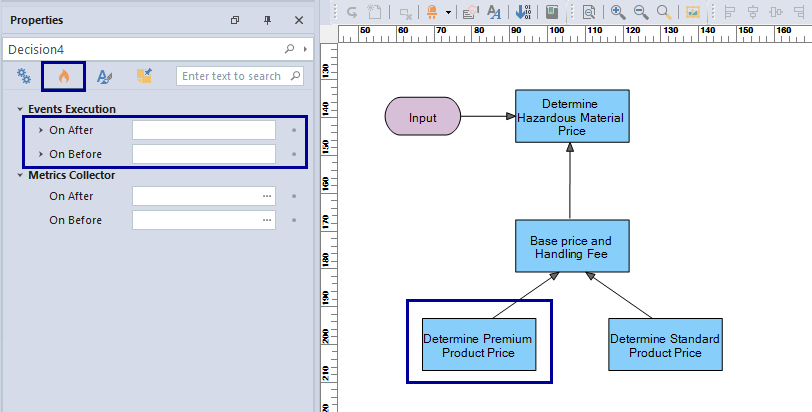
To get data from the MySQL database, we need to select Database and change the Database Type to MySQL, then fill in the requested information.
Fill in the details for MySQL Database
A list of all the information needed to access the MySQL Database is provided so the user can fill in any necessary information.
For example, the Database Type, connection String, and Queries were written out to get the list of orders from the database.
FlexRule provides a query builder that allows you to build queries without having to manually write the complete queries. Click here to see the details of the query builder.

Get the data from MySQL Database
As the results below show, the returned object has some other information that the user might not be interested in. The user may want to select the list of orders only that is available in the “value” part of the object.
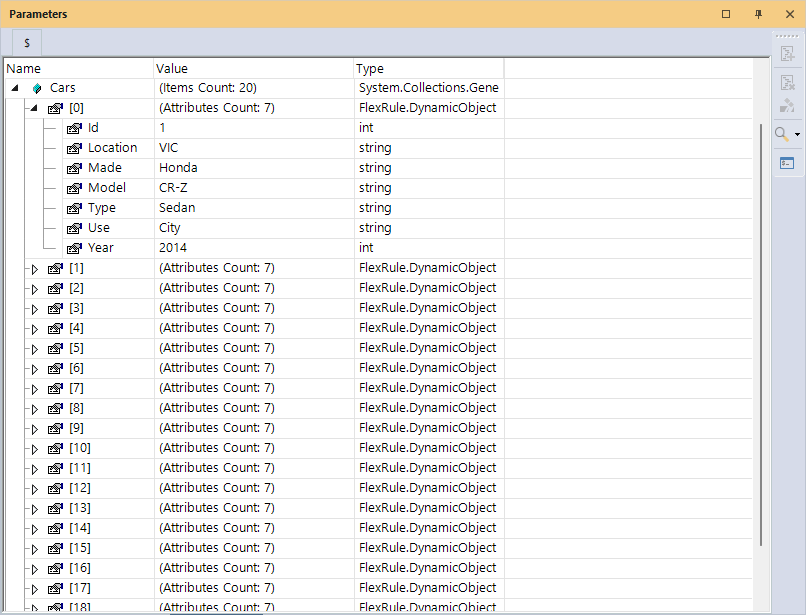
You can check our Resource Hub page for a database to see all the parameters to connect to a MySQL database.
If you want to see the data in a table format, you can click on the data to see the data like the image below:
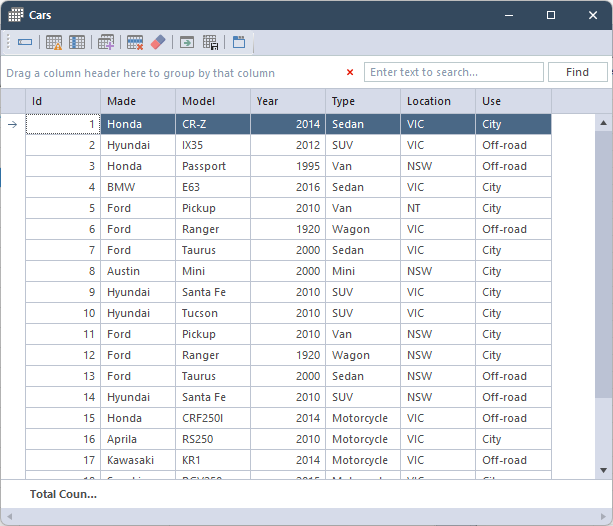
Summary
To connect a MySQL database in a decision model and notation (DMN), you can add an event execution before or after each node and fill in the information to get the data from the database.


